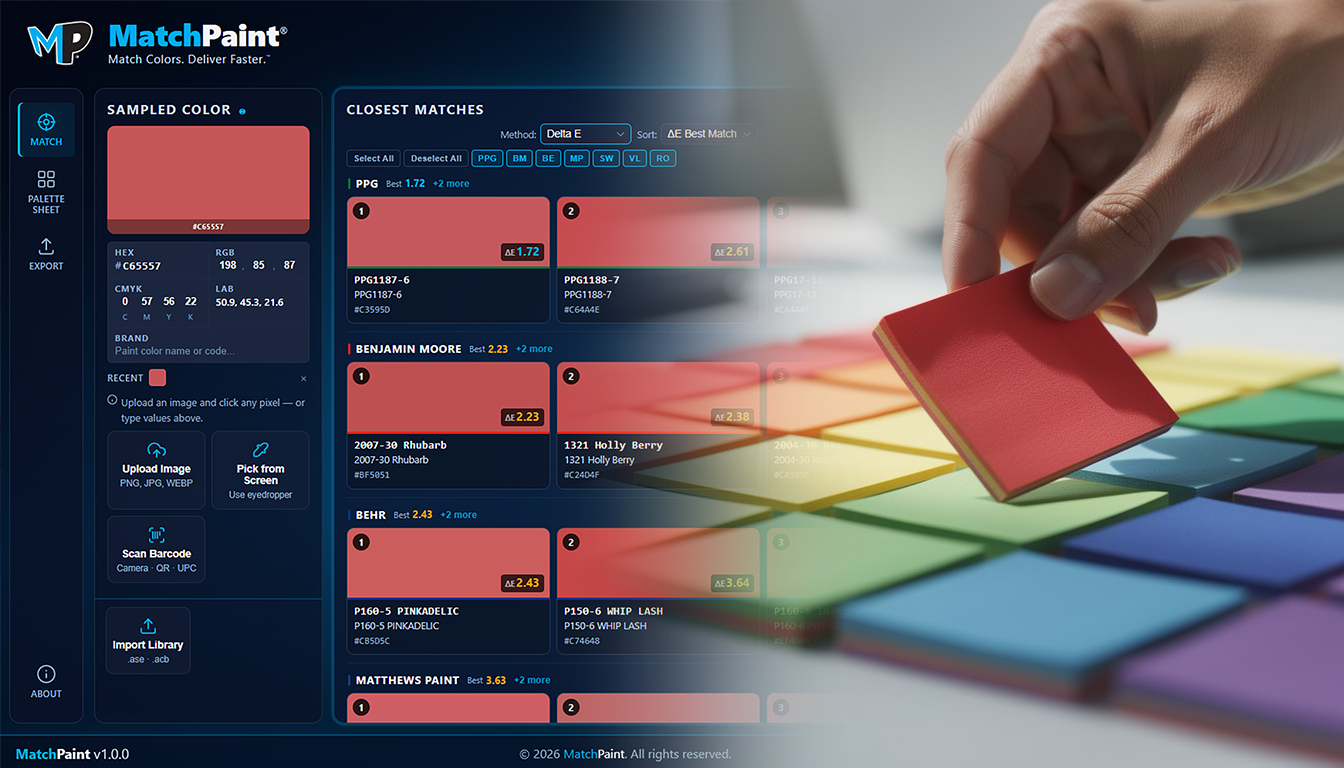
Matching made simple without hiding the useful detail.
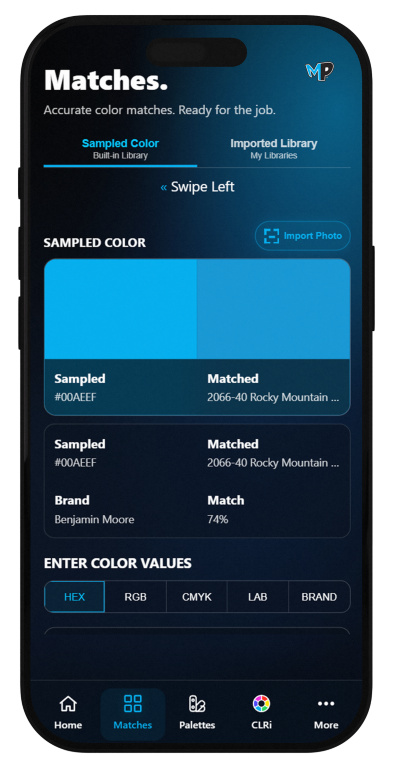
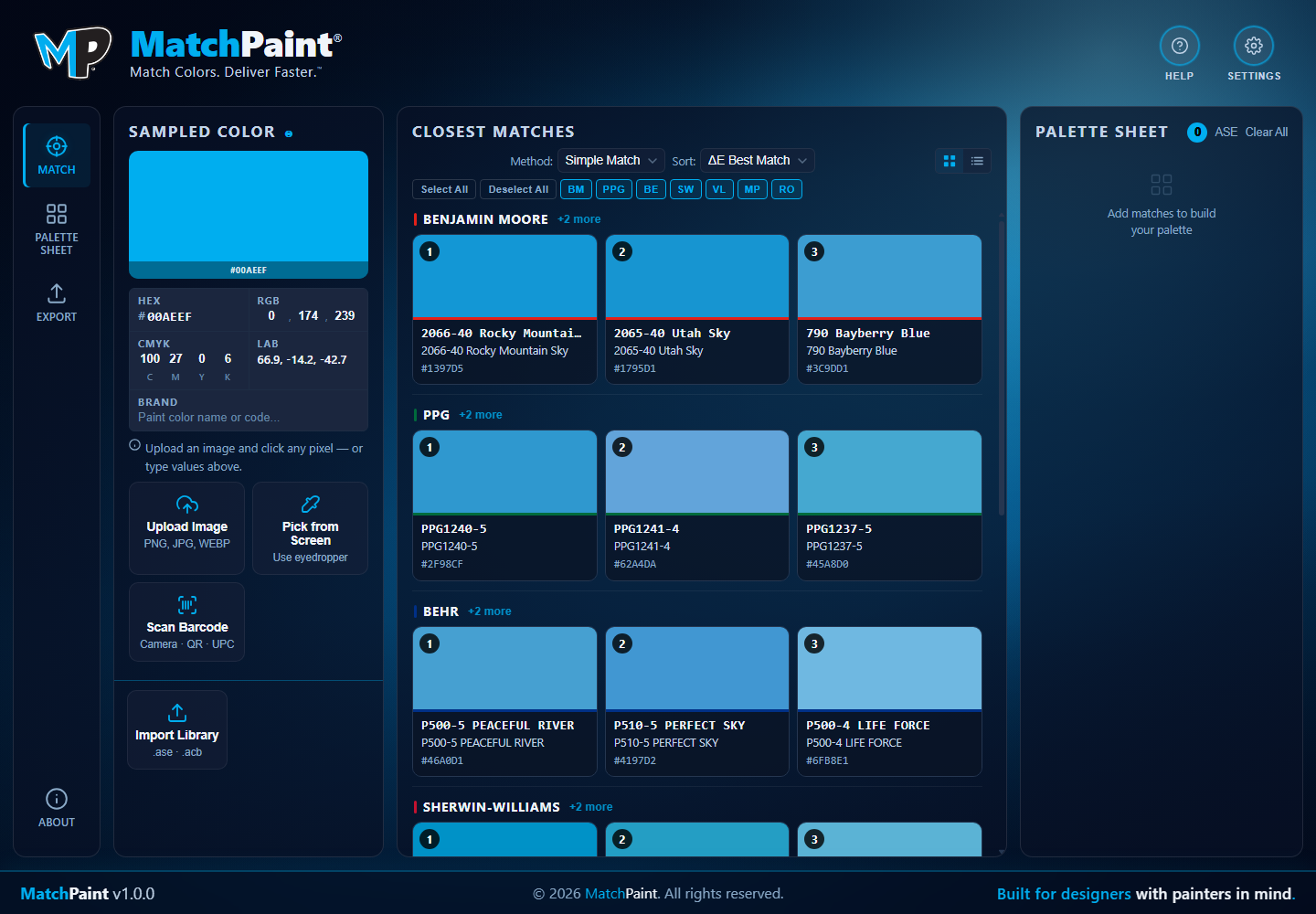
Sample a color, compare built-in and imported libraries, and keep the closest options visible before the work becomes a report, palette sheet, or store visit.
MatchPaint helps designers, painters, homeowners, makers, and teams sample colors, compare built-in paint, print, and production libraries, import their own swatch resources, build palettes, and make confident color decisions from a phone, a studio, or the field.
MatchPaint is designed around real color systems, not isolated swatches. Built-in paint, print, and production libraries give every user an immediate starting point across Benjamin Moore, Sherwin-Williams, PPG, Behr, Valspar, Rust-Oleum, and Pantone. MatchPaint+ and Pro also let studios import their own .ase, .acb, .xml, and CorelDRAW .cpl libraries so saved brand colors, supplier books, and working palettes can live in the same matching workflow.
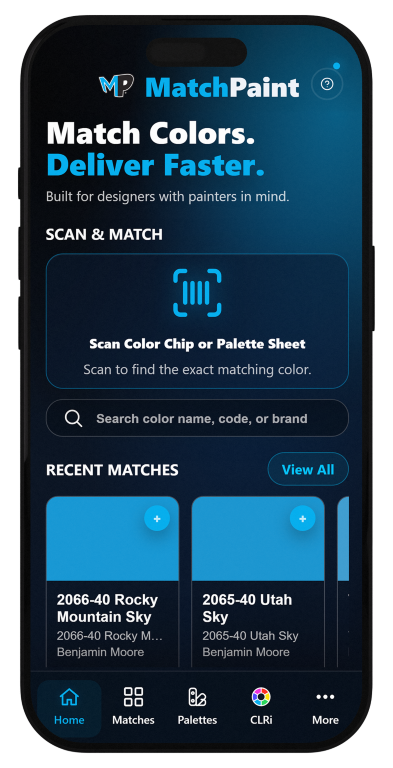
Search across supported libraries from day one and compare nearby options before committing to a color.
Turn existing Adobe, XML, and CorelDRAW swatch assets into searchable MatchPaint libraries for teams, brands, and repeat jobs.
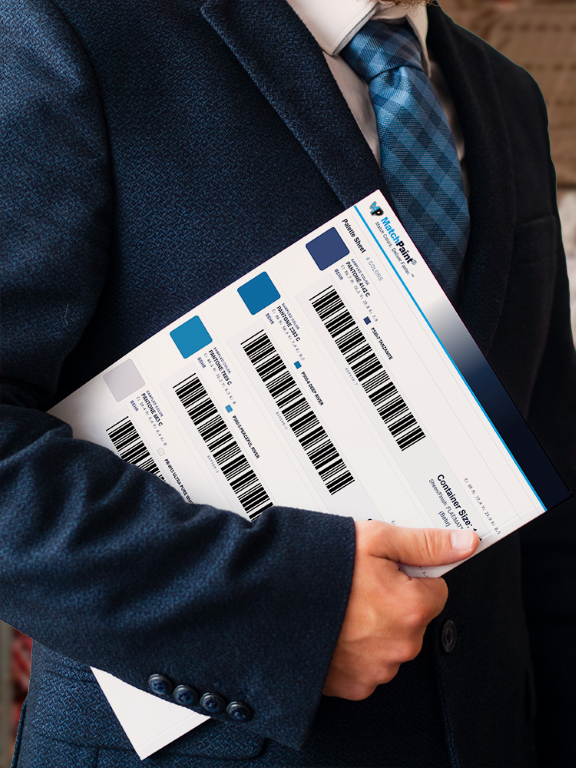
MatchPaint+ and Pro are built to reduce friction when a color decision moves from screen to store. Integrated barcode workflows help users bring matched paint information into brick-and-mortar locations like Home Depot, Lowe's, and Sherwin-Williams, making it easier to identify, match, and order the right paint while they are already at the counter.
MatchPaint is useful when someone needs a quick answer, and it scales into the desk work that happens after the match: reviewing libraries, building palettes, preparing reports, and keeping production moving.
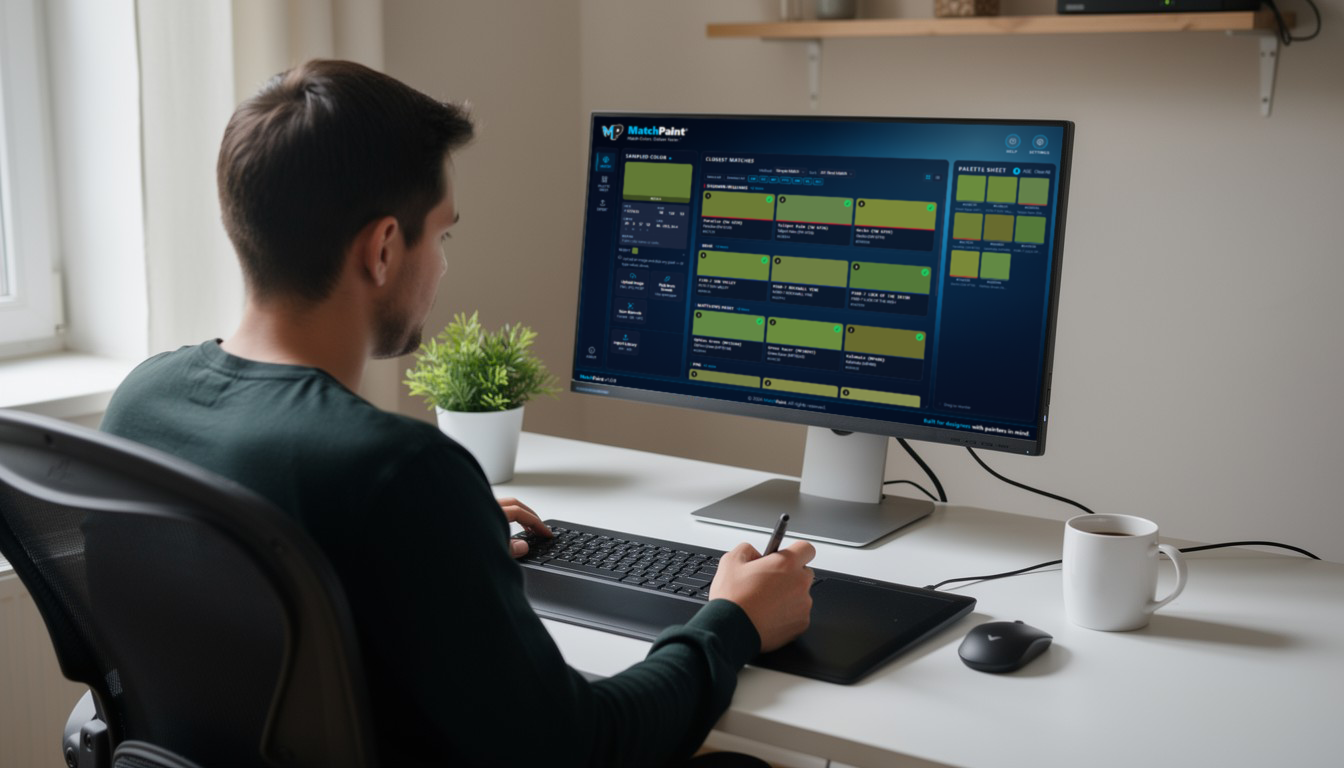
Sample a color, compare built-in and imported libraries, and keep the closest options visible before the work becomes a report, palette sheet, or store visit.
See more of the library, compare nearby options, and bring custom .ase, .acb, .xml, or CorelDRAW .cpl color books into the job.
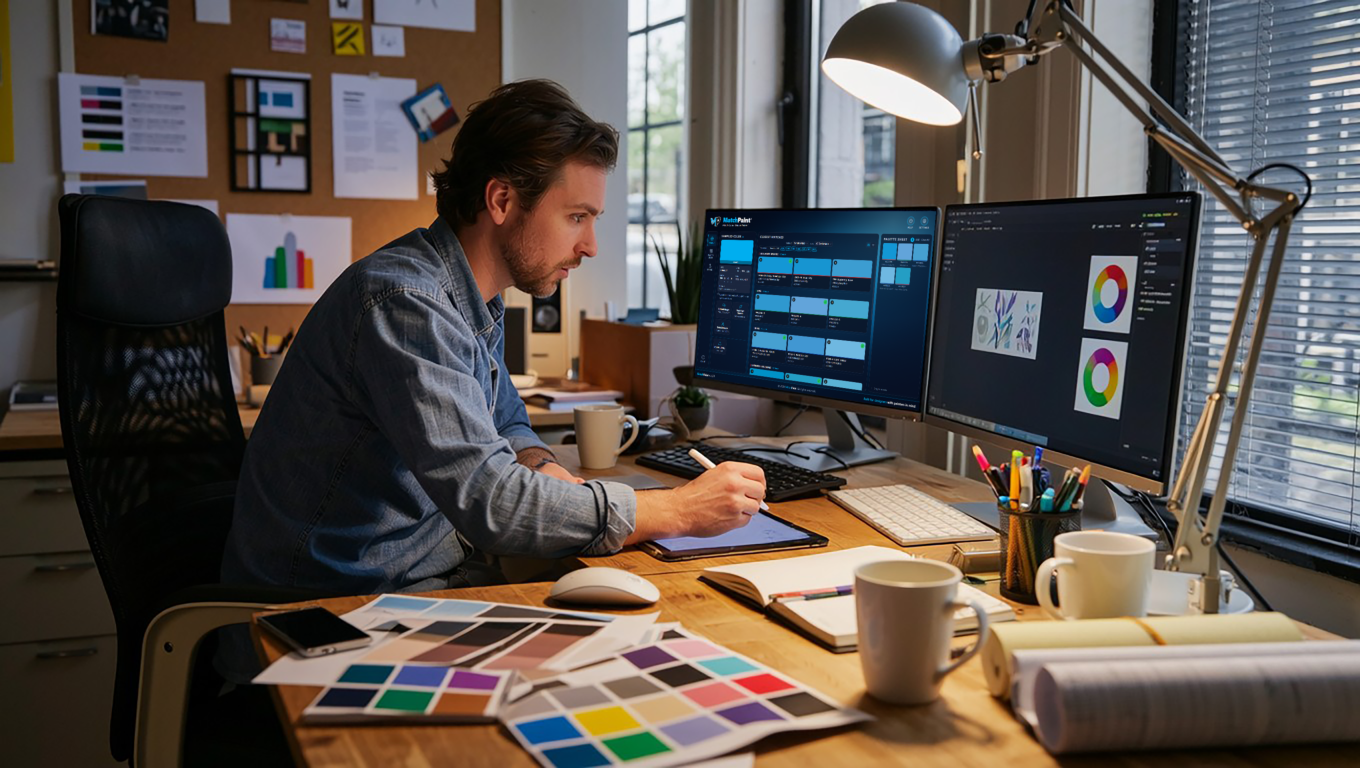
Use MatchPaint alongside design files, sample books, reports, and approval conversations.
Standard and MatchPaint+ are the mobile path through Apple App Store and Google Play. MatchPaint Pro Desktop is the separate Gumroad path for desktop production work, MPCompanion, reports, and Illustrator handoff.
Fast color matching and palette building for individual projects, paint choices, and everyday reference.
For users who need to take MatchPaint results out of the app and keep mobile work compatible with Desktop Pro workflows.
A production-ready workspace for teams and working designers who need repeatable color handoff.
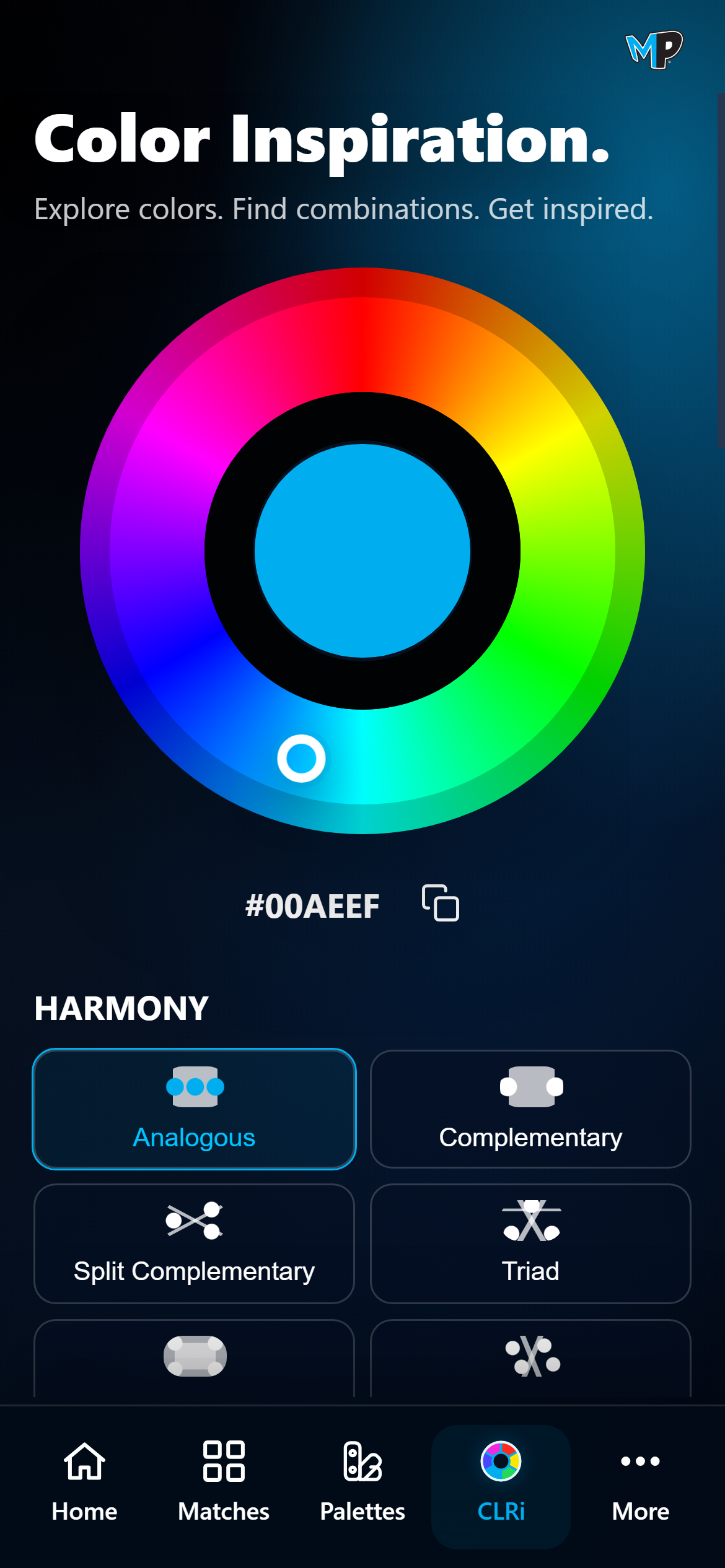
The mobile experience centers on fast sampling, paint-library matching, saved palettes, imported libraries, and clear color data for anyone who needs to move from “I like this color” to “I know what this color is.” It is just as helpful for a solo designer, painter, homeowner, or maker as it is for a production team. Built-in libraries and paid barcode support make store visits smoother when a project needs to move into retail ordering.
MatchPaint Pro Desktop is built for the moments after a color is chosen: confirming nearest paint matches, preparing palette sheets, checking artwork in Illustrator, and carrying store-ready barcode information into real ordering conversations. It is sold separately through Gumroad as a desktop production workflow.
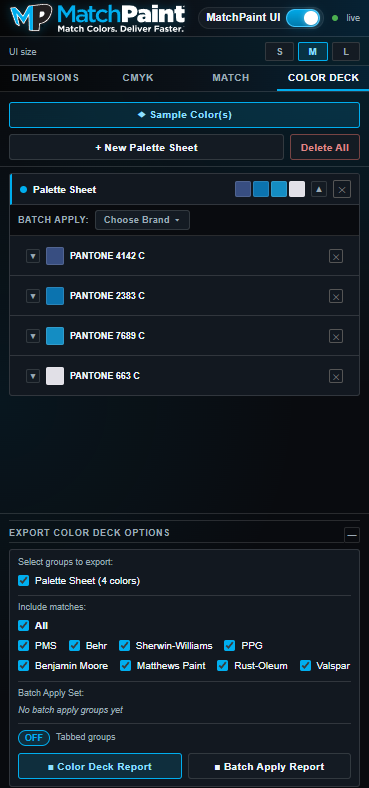
Review nearest matches across included and imported paint, print, and production libraries on a wide desktop workspace.
Export palette sheets and color deck reports for client review, job notes, or production packets.
Use MPCompanion in Illustrator and barcode-assisted retail ordering for fewer loose ends.
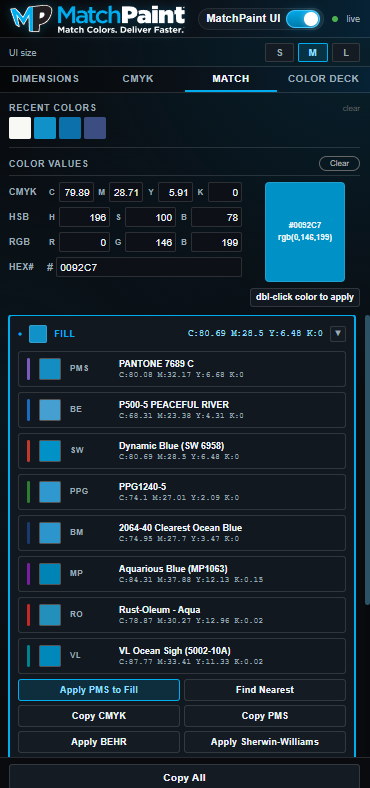
Included with MatchPaint Pro Desktop, MPCompanion keeps the handoff inside Adobe Illustrator: inspect art, sample live colors, find the nearest library match, use imported .ase, .acb, .xml, and CorelDRAW .cpl resources, and export organized color decks for review or ordering.
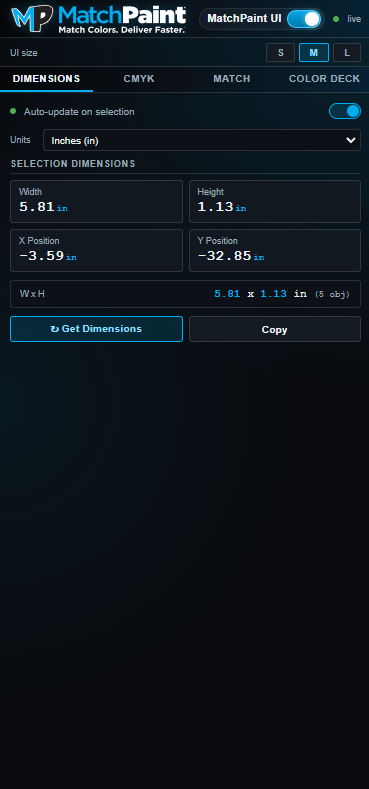
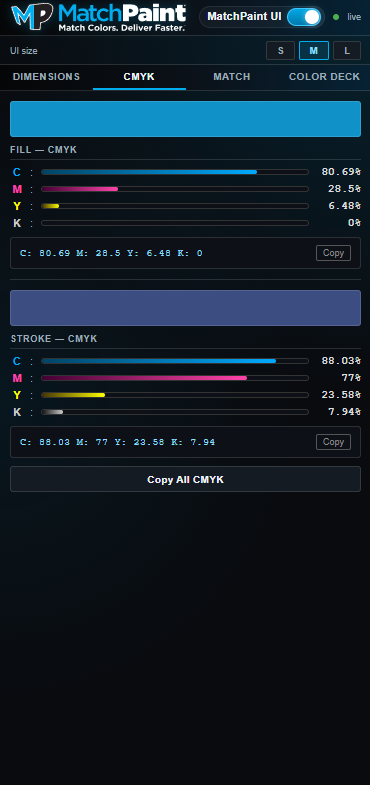
Read selection dimensions in inches, points, millimeters, or feet, plus position, fill, and stroke CMYK without leaving the Illustrator panel.
Compare sampled artwork to Pantone, Benjamin Moore, Sherwin-Williams, PPG, Behr, imported .ase, .acb, .xml, and CorelDRAW .cpl files, and other supported libraries.
Pro barcode support is designed to make in-store paint matching and ordering faster at Home Depot, Lowe's, and Sherwin-Williams.
| Feature | Standard | MatchPaint + | Pro Desktop |
|---|---|---|---|
| Price | $2.99 one-time mobile purchase | $9.99/month mobile subscription | $20/month or $180/year |
| Mobile app access | Included | Included; recommended companion for Pro Desktop | Sold separately through Apple App Store / Google Play |
| Mobile-to-desktop workflow compatibility | Basic mobile matching | Recommended for Pro Desktop workflows | Desktop production hub |
| Export color data | Not included | Included | Included |
| Import palettes, sheets, or .ase/.acb/.xml/.cpl libraries | Not included | Included | Included |
| Export palette sheets | Not included | Included | Included |
| Built-in paint, print, and production libraries | Included | Included | Expanded Pro workflow with imported studio libraries |
| Barcode-assisted retail ordering | Not included | Included | Included for Home Depot, Lowe's, and Sherwin-Williams workflows |
| MPCompanion for Illustrator | Not included | Not included | Included |
| Purchase path | Apple App Store / Google Play | Apple App Store / Google Play | Gumroad |